 Written by
 Every few weeks, iRacing quietly rolls out a maintenance build that keeps the sim humming along between the big seasonal content drops. The latest one, published on the app’s official Steam news page, is iRacing 2026 Season 3 Patch 3, tied to build 2026.07.10.04. If you’ve logged in recently and noticed a new client version number in the corner of your launcher, this is the update responsible for it.
As with every mid-season patch, Patch 3 sits inside iRacing’s four-season annual structure. Season 3 kicked off earlier in 2026 with its usual wave of new cars, tracks, and Race Control tweaks, and the patches that follow — Patch 1, Patch 2, and now Patch 3 — exist to smooth out the rough edges rather than introduce brand-new paid content. Think of it as the service pack layer: bug fixes, physics refinements, UI polish, and stability work for the multiplayer backend.
What’s New in iRacing 2026 Season 3 Patch 3
The core purpose of Patch 3 follows the same pattern iRacing has used for years with its infra-seasonal builds. Rather than adding new licensed cars or circuits, these updates focus on refining what was already shipped at the start of Season 3. That typically means correcting car-specific physics anomalies discovered by the community during competitive racing weeks, adjusting track surface or collision data where drivers reported inconsistencies, and shipping small but meaningful improvements to the client’s user interface and online service stability. For simracers who log dozens of hours across official series, hosted sessions, and league racing every week, these incremental refinements rarely make headlines, but they are the reason lap times, setups, and racecraft stay comparable from one week to the next. iRacing 2026 Season 3 Patch 3 fits squarely into that tradition, tightening up the Season 3 content that’s already on track rather than introducing anything new to learn.
Because iRacing’s official changelog format separates fixes by category — cars, tracks, physics/tire model, and system/UI — this Patch 3 release follows that same structure. For simracers who track every build closely, the changelog itself is the most reliable place to see exactly which car or track received attention this time around. We strongly recommend cross-checking the official Steam post directly, since iRacing occasionally updates notes after initial publication with additional line items.

Release Details: Build 2026.07.10.04
The build identifier 2026.07.10.04 follows iRacing’s standard versioning convention, where the numbers reference the release date and internal build sequence rather than a marketing-friendly patch title. You’ll see this exact string in your iRacing UI’s About screen or launcher footer once the update has been applied, and it’s the quickest way to confirm you’re running the current Season 3 build rather than a cached older version.
Because iRacing operates as a persistent, subscription-based multiplayer service rather than a game you install once and forget, updates like this one are typically mandatory before you can join any official session — hosted races, official series, and Time Trial included. The service enforces version matching across all connected clients to keep race integrity consistent, so there’s no way to opt out of Patch 3 if you want to keep racing online.
Cars and Vehicle Changes
Mid-season patches like this one commonly touch a handful of cars from the current roster, usually in response to community-reported handling quirks, force feedback inconsistencies, or minor visual bugs spotted during official race weeks. Historically, iRacing’s Patch 3-style builds have addressed things like:
- Tire model refinements for specific cars flagged during high-traffic official series races
- Cockpit and dashboard display corrections (gear indicators, warning lights, telemetry readouts)
- Force feedback and steering ratio adjustments for select vehicles
- Minor collision mesh or damage model corrections
- Livery, sponsor decal, or car number rendering fixes
For the exact list of cars affected in this specific build, the official Steam changelog remains the authoritative source, and it’s worth a direct read if you race a car that’s part of an ongoing official series this week — even small physics tweaks can shift optimal setups mid-season. If you’re still dialing in your baseline, our guide to building a competitive iRacing setup is a good place to start before you retest.
Tracks and Circuit Updates
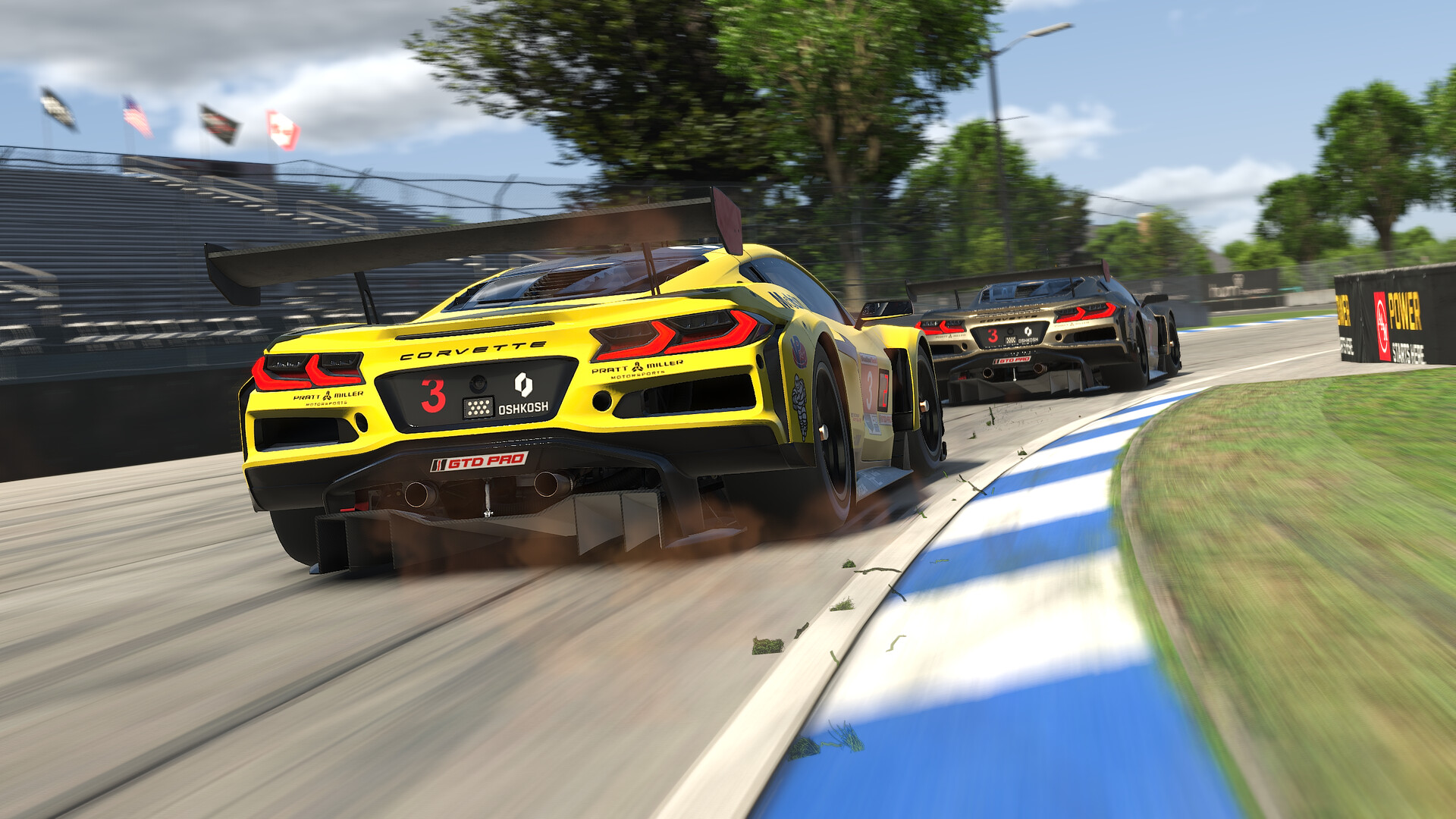
Track-side fixes in a patch like this one generally fall into a few recurring buckets: surface grip corrections where drivers reported unrealistic wall-riding or curb behavior, corrected track limits detection at specific corners, updated pit lane or garage stall geometry, and visual polish such as trackside object pop-in or texture streaming issues.
Why Mid-Season Track Fixes Matter
Unlike car physics, which affects how a single vehicle behaves, a track surface fix can influence every car and every driver racing at that venue — which is why these updates often get outsized attention from the competitive community, even when the patch notes describe them in a single line. A corrected curb rumble strip or a fixed track-limit boundary can directly change how stewards’ penalties are applied during an official race, so it’s worth checking whether any circuit on your current series calendar is mentioned in this build’s notes.
As with the car changes above, we recommend reading the specific track entries in the official release notes before your next official session, particularly if you’re racing a track this week that has a history of driver complaints about curb behavior or off-track detection.
Physics, Tire, and Damage Model Fixes
iRacing’s tire and physics model is one of the most frequently iterated systems in the sim, and infra-seasonal patches are the primary vehicle for these refinements outside of a full new-season physics pass. Typical adjustments in this category include tire wear curve tuning, temperature modeling corrections, and damage model behavior when contact occurs at low speed versus high speed.
These changes are rarely dramatic on their own, but they compound. A driver who’s been fighting an inconsistent rear-end snap on corner exit, or noticing unrealistic tire degradation over a long stint, may find their car behaves noticeably differently after updating to build 2026.07.10.04. If you run regular setups for league or official series racing, it’s good practice to re-validate your baseline setup after any patch that touches physics or tires, even if the notes describe the change as minor.
| Category | Focus of Patch 3 (2026.07.10.04) |
|---|---|
| Build ID | 2026.07.10.04 |
| Season | 2026 Season 3 |
| Cars | Handling, force feedback, and cockpit display fixes |
| Tracks | Surface grip, track limits, and geometry corrections |
| Physics/Tires | Tire wear and damage model refinements |
| UI/Service | Client stability and multiplayer service fixes |
UI, Multiplayer, and Service Fixes
Beyond the racing simulation itself, iRacing’s client and backend service typically receive their own share of fixes in a patch like this. This can include improvements to the session browser, Race Control’s black flag and incident review tools, spotter service reliability, and general UI responsiveness across the garage, setup, and Members Site-linked screens.
For VR users specifically, mid-season patches occasionally include headset compatibility or rendering pipeline adjustments, since iRacing continues to support an evolving list of hardware. If you race exclusively in VR, it’s worth checking whether this build’s notes mention your specific headset or driver version before your next session, particularly if you’ve experienced any frame pacing or tracking issues recently. For more on getting the most out of headset racing, see our iRacing VR setup guide.
Known Issues and Community Feedback
As with any live-service simulator, not every issue gets resolved in a single patch, and iRacing’s own release notes typically include a running list of known issues that remain open after each build. The simracing community — through the official forums, Discord channels, and social media — remains the fastest feedback loop for surfacing new bugs introduced by a patch, so it’s common to see a follow-up hotfix within days if a significant regression slips through.
If you encounter a new issue after updating to build 2026.07.10.04, the most useful thing you can do is report it through iRacing’s official support channels with a clear description of the car, track, and conditions under which it occurred. Detailed, reproducible reports are what typically get prioritized in the next patch cycle.
How to Update and Verify Your Install
The iRacing client updates automatically the next time you launch it while connected to the internet, so most members won’t need to do anything manual to receive Patch 3. If you want to confirm you’re on the correct version before jumping into an official session, check the build number displayed in the client’s About or splash screen and compare it against 2026.07.10.04. If it doesn’t match, restart the launcher or check your internet connection, since a partial or failed download can occasionally leave the client on an outdated build.
Frequently Asked Questions
What does “2026 Season 3 Patch 3” mean?
It’s the third maintenance patch released during iRacing’s third season of 2026, identified internally by build 2026.07.10.04.
Do I need to manually download this update?
No. iRacing’s client updates automatically on launch, and you cannot join official multiplayer sessions on an outdated build.
Does this patch add new cars or tracks?
Mid-season patches like this one are typically maintenance-focused, refining existing Season 3 content rather than introducing new paid cars or circuits.
Where can I read the full official release notes?
The complete, authoritative changelog is published directly on iRacing’s Steam news page.
Conclusion
iRacing 2026 Season 3 Patch 3, build 2026.07.10.04, is exactly the kind of behind-the-scenes update that keeps the sim’s competitive integrity intact between bigger seasonal releases. It won’t headline any trailers, but for anyone chasing consistent lap times in official series or league racing, these are the fixes that actually matter week to week. Check the official Steam notes for the full itemized list, update before your next session, and get back on track.