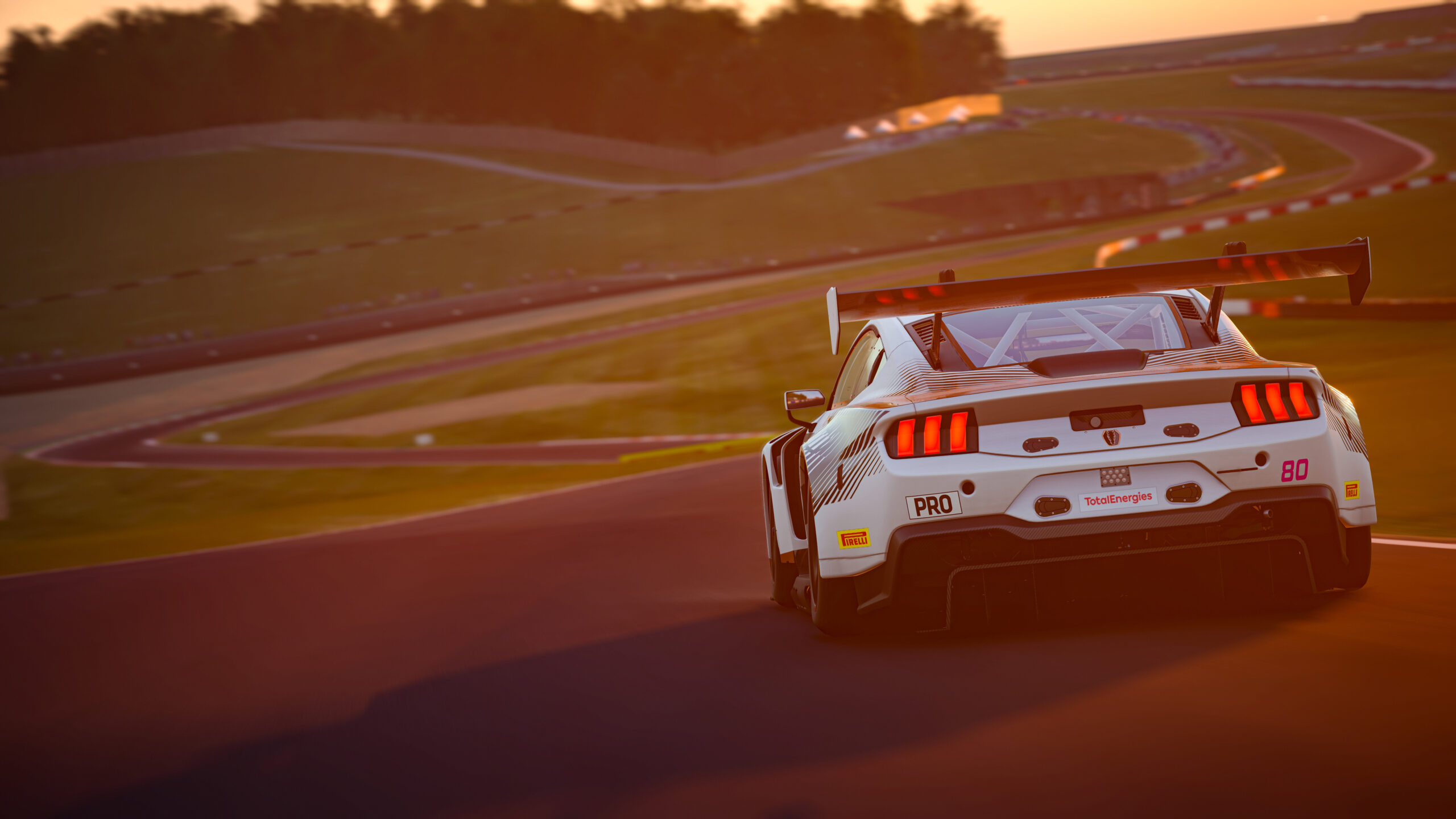
Assetto Corsa EVO runs its official online racing through SimGrid on the game’s own Daily Racing portal, free to every player, with races spread across GT3, road cars and one-make cups. Each race is a full session — practice, qualifying and race — and this page collects the current line-up so you can see the car class, the track and the start windows before you commit an evening to it.
How the daily races work
The daily schedule is a small set of races that each restart through the day at fixed intervals, so there is almost always a grid forming. A race groups cars by class — a GT3 sprint, a one-make cup like the Mazda MX-5, a hot-hatch series — and runs a short practice, a qualifying and a race back to back. The duration shown is the total time you need free for all three segments, not just the race, which is the number that actually matters when you are deciding whether you have time to enter.
The EVO Safety Rating
What sets Assetto Corsa EVO apart is how it measures a clean driver. Its Safety Rating does not simply reward you for avoiding contact — it rewards the time you spend racing wheel-to-wheel with other cars without touching them. Hide at the back and your rating barely moves; fight for position cleanly and it climbs, with Class A reserved for drivers who hold that standard over time. Contact with a wall does not cost you, because the system is judging how you race other people, not whether you brush a barrier, and it looks at the point of impact so the driver at fault pays rather than the victim. Grids themselves are matched on skill so the racing around you is close.
Using this calendar
Start times are shown in your own timezone, converted from the official schedule in your browser rather than copied, so the windows stay correct when the clocks change. Each race carries its track and car class, and knowing what is coming up is also how you plan the clean races that build your rating. Save the ones you want, and for setups, car notes and news on Assetto Corsa EVO, follow the Assetto Corsa EVO coverage on the blog.
Race Calendar
Every official race across every sim, in one place. Pick your sim, or see what's starting soon everywhere at once. Times in your own timezone.